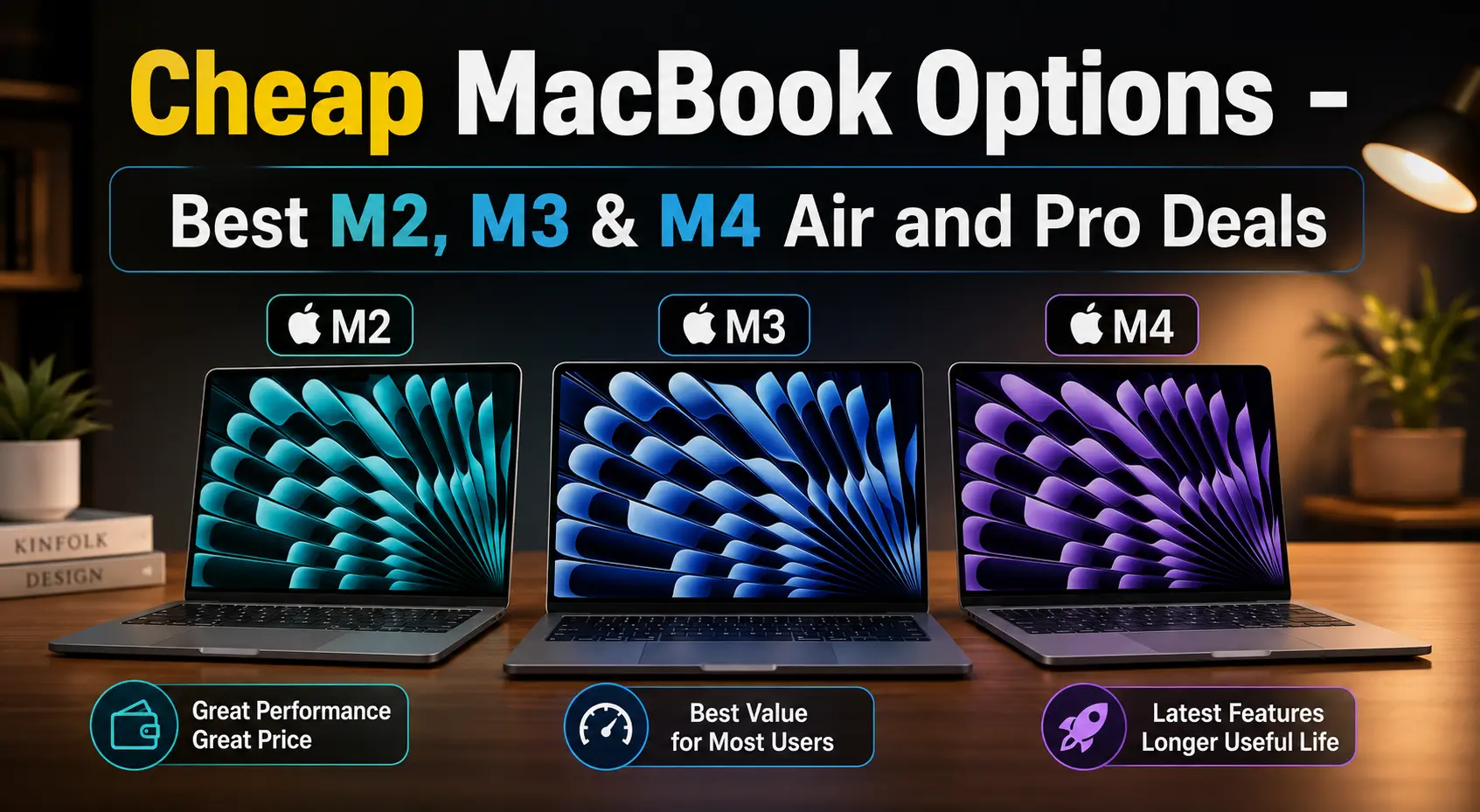

You do not necessarily need to spend ₹1.3 lakh or more to get a MacBook that can handle serious work. The previous M-series generations — M2, M3 and M4 — can be particularly interesting in 2026 because older models are increasingly being discounted as retailers clear inventory and buyers move towards newer Macs.
For many people, the difference between buying the newest MacBook and buying a discounted previous-generation model is difficult to justify. If your MacBook is mainly going to be used for work, study, browsing, coding, photo editing, content creation or business applications, an M2, M3 or M4 machine can still provide years of useful service.
The objective, therefore, isn’t simply to find the cheapest MacBook. It is to find the cheapest MacBook that will remain useful for long enough to make the purchase worthwhile.
1. Why Buy a Cheaper M2, M3 or M4 MacBook?
MacBooks are expensive compared with many Windows laptops, but Apple’s M-series chips changed the value equation. Even an older Apple Silicon Mac can be extremely fast for normal computing.
The M4 MacBook Air, for example, launched in India with 16GB unified memory as standard and a starting price of ₹99,900. Apple also positioned it for everything from everyday multitasking to photo and video editing. The important thing is that performance does not suddenly become obsolete when Apple introduces another chip generation. A discounted M3 or M4 can therefore make much more sense than paying full price for the newest generation.
There is also a practical reason to consider older models: MacBook prices can vary enormously between retailers and sales. For example, current Indian listings have shown an M2 Air 16GB/256GB at around ₹85,900, while the M4 Air 16GB/256GB has also appeared around ₹99,900. At those prices, the decision becomes much more interesting than simply looking at the generation number.
The Basic Rule
- If the price difference between two generations is small, buy the newer one.
- If the older model is substantially cheaper, the older model can be the better value.
2. How Many Years Will an M2, M3 or M4 MacBook Be Useful?
There is no precise “expiry date” for a MacBook. Apple doesn’t promise a fixed number of years of macOS support for every Mac, and useful life depends heavily on what you do with the machine.
However, buyers in 2026 can think about the generations broadly like this:
| MacBook | Position in 2026 | Buying Approach |
|---|---|---|
| M2 Air | Older | Buy only at a strong discount |
| M2 Pro | Older professional model | Interesting if heavily discounted |
| M3 Air | Previous generation | Strong value option |
| M3 Pro | Previous professional generation | Good for demanding workloads if discounted |
| M4 Air | Recent previous generation | One of the best targets for a bargain |
| M4 Pro | Recent professional generation | Excellent for sustained heavy workloads |
These aren’t hard support-life guarantees. Think of them as value horizons. An M2 Air bought cheaply can still be an excellent everyday computer. An M4 Air bought today should have considerably more performance headroom and a longer practical runway.
A more useful way to think about lifespan
For a normal user, the question isn’t: “When will Apple stop supporting this Mac?”
It is: “When will this Mac stop being good enough for what I need?”
Those dates can be very different. A student writing assignments may be perfectly happy with an older Mac for many years. A professional video editor or developer running several demanding environments may reach the limits much sooner.
3. What Can These MacBooks Actually Do?
This is where the cheaper models become interesting. For the majority of users, the M2/M3/M4 Air is not a compromise machine.
Office and Business Work
All three generations are more than capable for:
- Microsoft Word, Excel, PowerPoint
- Google Workspace
- Email & Video meetings
- Browser-based applications
- Accounting & CRM software
- Research & Large numbers of browser tabs
For this workload, buying a Pro purely for additional performance usually makes little sense.
Students
An M2 Air can comfortably handle:
- Online classes & Video calls
- Research, PDFs, Presentations & Notes
- Programming & Writing
- Browsing & Basic creative work
An M3 or M4 simply gives you more performance headroom and a longer useful life.
Programming
M2, M3 and M4 Macs can handle typical:
- Web development (Python, JavaScript, React, Node.js)
- Xcode & Git
- IDEs & Database development
- Docker-based workflows
If you regularly run multiple virtual machines, large containers or very heavy compilation workloads, look towards the Pro models and higher-memory configurations.
Photo and Graphic Work
The Air is capable of:
- Photoshop & Lightroom
- Affinity applications
- Canva & Figma
- Graphic design & Photo processing
The M4 Air is particularly attractive if you find it at a good discount because the hardware is still relatively modern.
Video Editing
M2/M3/M4 Air models can handle:
- YouTube editing & Short-form content
- 1080p video & 4K video
- Basic colour correction
- Regular Premiere Pro/Final Cut workflows
The Pro becomes more attractive when you’re doing sustained professional editing, long exports, complex effects, multicamera projects or other workloads that continuously stress the machine.
AI Work
There is an important distinction. Using ChatGPT, Gemini, Claude, Copilot, AI web applications, or cloud-based image/video tools doesn’t require an expensive MacBook Pro.
But running AI models locally is different. For local AI, RAM becomes extremely important. If you expect to run local LLMs or other memory-heavy AI applications, spending more on unified memory may be more useful than simply moving from M3 to M4.
4. Air or Pro — Which One Makes Sense?
This is one of the easiest ways to overspend on a MacBook.
MacBook Air
For most people, the Air is the better value. Choose an Air if your work is primarily:
- Office, Browsing, & Study
- Programming & Business
- Research
- Photo editing, Normal video editing, & Content creation
The Air is thin, light and fanless, making it particularly good as an everyday laptop.
MacBook Pro
The Pro makes sense when you can actually use the additional capability. Consider it for:
- Professional video production & 3D work
- Large software builds & Heavy development
- Professional audio & Sustained rendering
- High-end photography
- Large local AI workloads
- Long-running CPU/GPU workloads
The mistake is buying a Pro because it is “better.” The right question is: Will my workload benefit enough to justify the extra money? If not, spend the money on more RAM/storage or keep it in your pocket.
5. The Most Important Thing to Check: RAM
If you are buying a MacBook in 2026 and intend to keep it for several years, I would make 16GB the starting point. This matters more than many buyers realise because Apple uses unified memory. You cannot buy an 8GB Mac today and decide to upgrade it to 16GB later.
My Preferred Configurations
- Budget: 16GB + 256GB
- Best balance: 16GB + 512GB
- Heavy professional use: 24GB/32GB+ + 512GB/1TB+
(Apple’s M4 Air launched with 16GB unified memory as standard and can be configured to 24GB or 32GB).
Should you buy 8GB?
Only if the discount is substantial and you know your workload is light. For a machine you intend to keep for many years, I would rather buy M2 + 16GB than M3 + 8GB if the prices are similar.
6. Storage: 256GB vs 512GB
Storage is important, but it is not as difficult to solve as RAM. An external SSD is relatively inexpensive compared with upgrading the internal storage.
256GB
Fine for: Office work, Students, Browsing, Cloud storage users, and Mostly online workflows.
512GB
The safer choice for a primary computer. It gives you more room for: Applications, Photos, Documents, Video projects, Development environments, and Offline files.
1TB+
Consider it if you regularly work with: Video, Photography, Music, Large development projects, or Local AI models.
The Golden Rule for Upgrades
If the choice is between 8GB + 512GB and 16GB + 256GB, I would generally take 16GB + 256GB. You can add storage later. You cannot add RAM.
7. M2 vs M3 vs M4: Which Is the Cheap MacBook to Buy?
M2 MacBook Air — Buy only when the price is right
The M2 is the oldest generation in this comparison. That doesn’t make it bad. It means the discount needs to compensate for its age. If an M2 16GB is ₹15,000–₹20,000 cheaper than an otherwise comparable M3 or M4, it becomes much more interesting. If the difference is only ₹5,000–₹10,000, I’d usually move to the newer generation.
- Ideal buyer: Someone who wants “A good MacBook for the lowest possible price.”
M3 MacBook Air — The middle-ground bargain
The M3 is potentially the sweet spot when you don’t want to spend M4 money. It is particularly interesting when retailers start clearing remaining stock.
- Ideal buyer: Someone who wants “A modern MacBook that is substantially cheaper than the newest generation.”
M4 MacBook Air — The model to watch closely
This is probably the most interesting bargain MacBook for 2026. Apple launched the M4 Air in 2025 with a starting price of ₹99,900 in India and 16GB of unified memory as standard. Once retailers discount a previous generation, the M4 becomes a very attractive combination of modern hardware, 16GB memory, long useful life, strong performance, good battery life, and relatively low sale pricing.
- Ideal buyer: Someone who wants “A MacBook that should remain useful for a long time without paying current-generation premium pricing.”
8. What About the M2, M3 and M4 MacBook Pro?
Don’t ignore the Pro models during clearance sales. A previous-generation Pro can sometimes become more attractive than a new Air when the price difference narrows. The Pro’s advantages include the cooling system, display, ports and ability to sustain demanding workloads.
But there is a catch. A heavily discounted Pro can still be a poor purchase if it is an unnecessarily powerful machine for your needs.
Consider an older Pro when:
- You need sustained performance
- You edit video professionally
- You compile large projects
- You use demanding creative software
- You need more ports or a better display
- You run heavy workloads for hours at a time
Prefer the Air when:
- Portability and battery life matter
- Most work is light-to-moderate
- You don’t need sustained maximum performance
- You want the best value per rupee
9. What Should You Check Before Buying?
The biggest mistake is comparing only the chip. Check these seven things:
- Exact RAM: Is it 8GB, 16GB, 24GB or 32GB?
- Exact storage: Is it 256GB or 512GB?
- Screen size: 13-inch and 15-inch models can have very different prices.
- Air vs Pro: Don’t compare an Air and Pro solely on processor name.
- New vs open-box/refurbished: A cheaper listing may not be a factory-sealed new machine.
- Warranty: Check whether the machine carries the expected Apple warranty.
- Final price after offers: Don’t stop at the headline price. Calculate:
Product price − bank discount − exchange benefit − applicable coupon = actual purchase cost
That is the number that should be compared.
10. Where Can You Find Cheap MacBooks in India?
There is no single retailer that is always cheapest. The price can change dramatically during a sale. Check:
- Amazon: Useful for major sale events, bank discounts, exchange offers, and older-generation clearance.
- Flipkart: Particularly worth watching during large electronics sales. Current listings demonstrate why checking the exact configuration matters: an M2 Air 16GB/256GB and an M4 Air 16GB/256GB can both appear in the same marketplace while their pricing changes considerably with promotions.
- Vijay Sales: Worth checking for Apple promotions, festive sales, clearance stock, and bank offers.
- Croma: Another retailer worth checking when Apple products are discounted.
- Imagine / Apple Premium Resellers: Do not automatically assume Apple Premium Resellers are more expensive. During promotional periods they can become competitive after bank offers, exchange bonuses, student offers, store promotions, and clearance discounts.
- Apple: Apple is useful as the reference price. Even if you don’t buy from Apple, use Apple’s current price to understand how large the retailer discount actually is.
11. The Best Time of the Year to Buy
If you don’t need the MacBook immediately, timing can make a substantial difference. The most important periods to watch in India are:
- August–September: Independence Day, Onam and early festive promotions can produce good electronics discounts.
- September–October: This is one of the most important periods. Watch Amazon, Flipkart, Vijay Sales, Croma, and Apple Premium Resellers. For 2026, current sale calendars are already pointing to major September/October events, including Amazon’s Great Indian Festival and Flipkart’s Big Billion Days.
- October–November: The Diwali/festive shopping period can be particularly interesting for Apple products.
- Black Friday (November): Can bring another round of electronics promotions.
- December–January: Retailers may discount remaining inventory or run year-end/Republic Day promotions.
- Education season: Students and education customers should also compare Apple’s education pricing with retailer promotions (exact dates change each year).
12. How Much Should You Pay?
Rather than declaring one fixed “best price”, use a price-gap strategy.
- M2 Air 16GB: The M2 should be the cheap option. If it is only slightly cheaper than an M3/M4, skip it.
- M3 Air 16GB: Look for a meaningful discount compared with the M4. The bigger the gap, the more attractive the M3 becomes.
- M4 Air 16GB: This is the model I would watch most closely. If the 16GB/256GB model falls substantially below its ₹99,900 launch price, it becomes a serious value proposition.
- M4 Air 16GB/512GB: Potentially the best long-term configuration for someone who wants to keep the machine for several years.
- M4 Pro: Buy when the price comes close enough to an Air that the additional performance/features justify the difference.
13. My Shortlist
If you want the simplest answer:
- Cheapest sensible MacBook: M2 Air 16GB (Only if heavily discounted.)
- Best budget/value option: M3 Air 16GB (Especially when clearance pricing makes the gap to M4 large.)
- Best overall bargain: M4 Air 16GB (This is the one I would monitor most closely during sales.)
- Best long-term Air: M4 Air 16GB/512GB (A particularly good combination if the sale price is right.)
- Best for heavy professional work: M4 Pro (But only if your workload actually requires Pro-level sustained performance.)
Final Verdict
Buying an older MacBook in 2026 is not about buying an outdated computer. It is about buying the right generation at the right price.
An M2 can still be an excellent computer if it is cheap enough. An M3 can be the smart middle-ground purchase. And an aggressively discounted M4 Air can potentially be the best value of the three because you get relatively recent hardware without paying the premium associated with the newest generation.
For most buyers, I would keep the target simple: 16GB RAM first. Then choose the newest M-series MacBook that fits comfortably within your budget.
If the price difference is small, buy the newer generation. If the price difference is large, buy the older generation and keep the savings. And when comparing prices, don’t look only at Amazon or Flipkart. Check Vijay Sales, Croma, Imagine and other Apple Premium Resellers as well, and compare the final price after bank offers and exchange benefits.
The best cheap MacBook is rarely the one with the biggest percentage discount. It is the one that gives you the most useful years for the money you spend.
🛒 Check MacBook Prices & Deals
MacBook prices can vary significantly between retailers, especially during major sales. Before buying, compare the exact RAM, storage and model configuration across these stores:
- Amazon India – MacBook Deals
- Flipkart – MacBook Deals
- Vijay Sales – MacBooks
- Croma – MacBooks
- Reliance Digital – MacBooks
- Imagine – Apple Premium Partner
Tip: Compare the final price after bank offers, exchange benefits and coupons rather than comparing only the advertised price.
Planning your Mac setup? Explore these related TechZero guides: