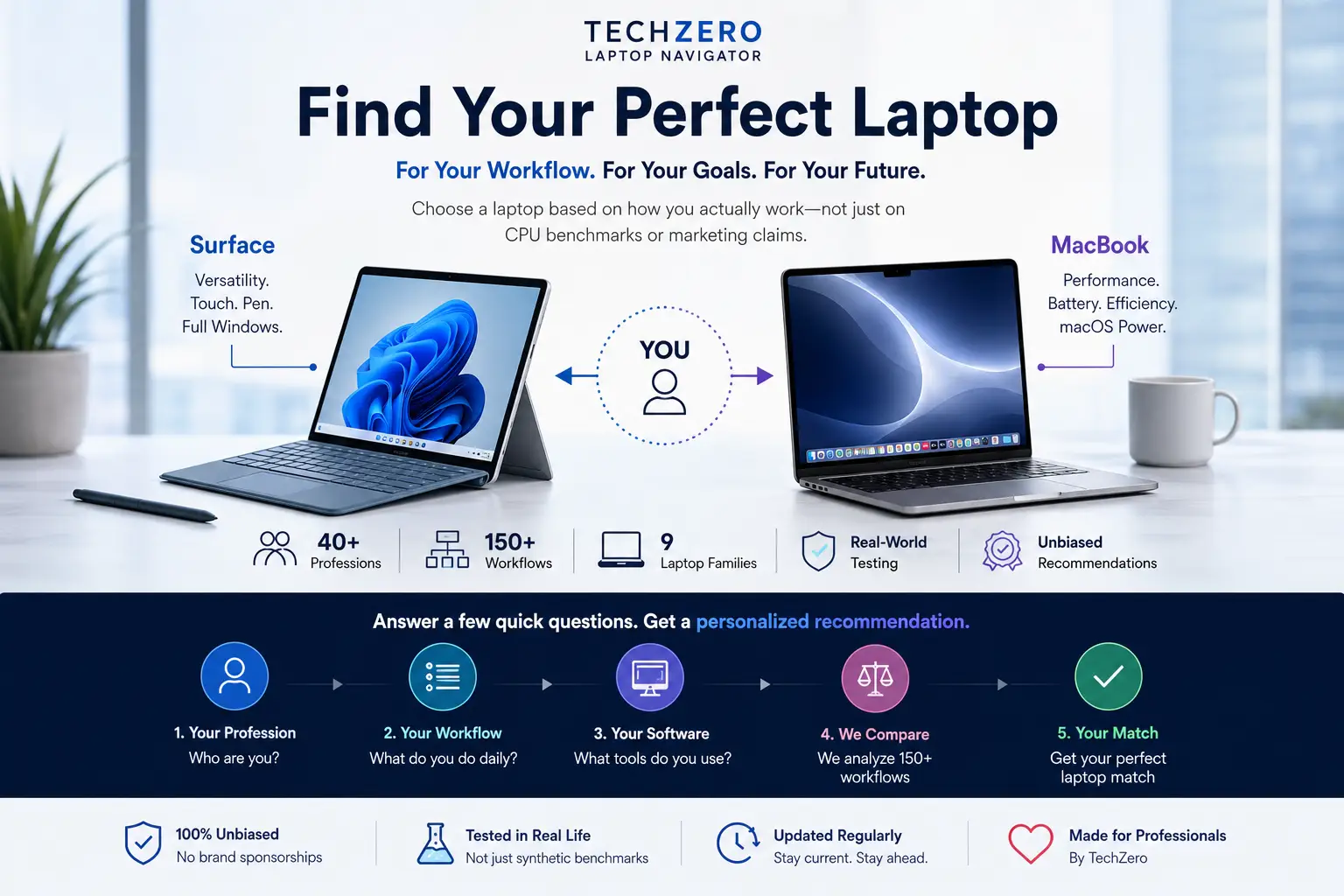

The Laptop Navigator
Stop analyzing isolated vendor specification sheets. Our Buyer Intelligence Matrix translates raw component configurations into direct, workflow-mapped professional deployment profiles.
1. The Strategic Landscape (2026 Focus)
2. Surface vs. MacBook Family (2026) At a Glance
Rather than dumping isolated specification catalogs, this matrix positions every 2026 flagship device by operational purpose, real weight boundaries, on-board hardware nodes, and genuine manufacturer capability parameters.
| Series | Best For | Display Parameters | Weight | Processor Core Architecture | Touch Input | Pen Digitizer | Max Battery Life |
|---|---|---|---|---|---|---|---|
| Surface Laptop 13 | Students | 13″ 60Hz | 1.22 kg | Snapdragon X Plus (8-core) | Yes | Yes | Up to 23 hours |
| Surface Laptop 13.8 | Professionals | 13.8″ 120Hz HDR | 1.34 kg | Snapdragon X Plus / X Elite | Yes | Yes | Up to 20 hours |
| Surface Laptop 15 | Power Users | 15″ 120Hz HDR | 1.66 kg | Snapdragon X Elite | Yes | Yes | Up to 22 hours |
| Surface Pro 12 | Tablet-First Users | 12″ Form Factor | 686 g | Snapdragon X Plus | Yes | Yes | Up to 16 hours |
| Surface Pro 13 OLED | Creators | 13″ OLED 120Hz | 895 g | Snapdragon X Elite | Yes | Yes | Up to 16 hours |
| MacBook Air 13 | Everyday Users | 13.6″ Retina | 1.23 kg | Apple M5 | No | No | Up to 18 hours |
| MacBook Air 15 | Productivity | 15.3″ Retina | 1.51 kg | Apple M5 | No | No | Up to 18 hours |
| MacBook Pro 14 | Professionals | 14.2″ XDR 120Hz | 1.50 – 1.62 kg | Apple M5 / M5 Pro / M5 Max | No | No | Up to 24 hours |
| MacBook Pro 16 | Workstation Users | 16.2″ XDR Display | 2.00+ kg | Apple M5 Pro / M5 Max | No | No | Up to 24 hours |
3. The Direct Cross-Platform Competitor Matrix
Instead of viewing ecosystems in isolation, this mapping establishes which Microsoft hardware variant directly targets which Apple deployment configuration, outlining the key operational decider.
| Microsoft Hardware Configuration | Apple Hardware Configuration | TechZero Definitive Execution Winner |
|---|---|---|
| Surface Laptop 13 | MacBook Air 13 | Depends on OS Preference |
| Surface Laptop 13.8 | MacBook Air 13 | Closest Ecosystem Rivals |
| Surface Laptop 15 | MacBook Air 15 | Conditional: Surface delivers digitizer touch support; MacBook yields superior sustained software compilation performance. |
| Surface Laptop 15 | MacBook Pro 14 | 🏆 MacBook Pro: Apple claims clear dominance in highly continuous local rendering and professional multi-threaded engineering pipelines. |
| Surface Pro 13 OLED | iPad Pro + Magic Keyboard | Conditional: Dependent on whether your task structure requires a pure desktop file manager (Windows) or a modular, touch-optimized app ecosystem (iPadOS). |
| Surface Pro 12 | iPad Air | Direct Alternative Segment Competition |
4. Hardware Subsystem Analysis & Validation
Display Capability Comparison
| Feature Metric | Surface Laptop 13 | Surface Laptop 13.8 | Surface Laptop 15 | MacBook Air (13/15) | MacBook Pro (14/16) |
|---|---|---|---|---|---|
| Native Resolution | 1920 × 1280 | 2304 × 1536 | 2496 × 1664 | 2560 × 1664 | 3024 × 1964 |
| Refresh Rate | 60Hz | 120Hz Dynamic | 120Hz Dynamic | 60Hz Fixed | 120Hz ProMotion |
| High Dynamic Range (HDR) | No | Dolby Vision IQ | Dolby Vision IQ | No | Extreme Dynamic Range (XDR HDR) |
| Touch Layer Integration | Yes | Yes | Yes | No | No |
| Aspect Ratio Structure | 3:2 Layout | 3:2 Layout | 3:2 Layout | 16:10 Layout | 16:10 Layout |
Silicon Tier Matrix
| Microsoft Architecture Tier | Apple Silicon Equivalent Mapping |
|---|---|
| Snapdragon X Plus (8-core Entry Node) | Apple M5 Base Core |
| Snapdragon X Plus (10-core Mainstream Node) | Apple M5 Base Core |
| Snapdragon X Elite Performance Node | Apple M5 / Entry-Tier M5 Pro Silicon |
| Qualcomm Hexagon NPU Coprocessor | 45 TOPS Engine Match vs. Apple 16-core Neural Engine Array |
| Adreno Graphics Architecture | Integrated Apple GPU Execution Blocks |
Memory, Upgrades & Storage Architecture
| Subsystem Metric | Microsoft Surface Stack | Apple MacBook Stack |
|---|---|---|
| Available RAM Configuration Tiers | 16GB / 32GB LPDDR5x Formats | 16GB / 24GB / 32GB Unified Memory Layouts |
| Maximum Available Factory Storage | Up to 1TB NVMe | Up to 4TB (Air models) / Up to 8TB (Pro models) |
| Removable User-Serviceable SSD Module | Yes (On selected device generations) | No (Soldered flash array matrix) |
| Post-Purchase Hardware Upgrade Capability | Partial Configuration Serviceability | Zero Post-Purchase Upgrade Path |
| Subsystem Winner Designation | 🏆 Surface: Superior service lifetime maintenance via field-replaceable physical solid-state modular arrays. | 🏆 MacBook: Substantially higher ceiling for large internal data storage pipelines and integrated ultra-low-latency unified RAM bandwidth speeds. |
5. The Workflow Simulator: Lab Battery Thresholds vs. Real-World Execution
| Device Variant | Lab Video Playback Runway | Active Web Interactivity Runway |
|---|---|---|
| Surface Laptop 13 | 23 Hours | 16 Hours |
| Surface Laptop 13.8 | 20 Hours | 13 Hours |
| Surface Laptop 15 | 22 Hours | 15 Hours |
| MacBook Air (Standard Stack) | 18 Hours | 15 Hours |
| MacBook Pro 14 | 24 Hours | 16 Hours |
6. Peripheral Systems, Interfaces & Media Layers
Sensors & AI Camera Frameworks
| Feature Element | Microsoft Surface Platform | Apple MacBook Platform |
|---|---|---|
| Camera Hardware Node | 1080p / 1440p High-Density Sensor | 12MP Ultra-Wide Center Stage Node |
| AI Neural Auto-Framing | Yes | Yes |
| OS Native Portrait Blur Effects | Yes | Yes |
| Neural Eye Contact Alignment | Yes | Yes |
| Physical Desk View Translation | No | Yes |
Acoustics & Signal Processing
| Acoustic Subsystem | Microsoft Surface Platform | Apple MacBook Platform |
|---|---|---|
| Speaker Array Processing | Dolby Atmos Tuning Architecture | Spatial Audio Processing Pipeline |
| Microphone Array Integration | Dual Omnidirectional Studio Mics | High Signal-to-Noise Three-Mic Array |
| High-Impedance Headphone Support | No | Yes (Integrated internal DAC detection layer) |
Physical Expansion Port Allotments
| Physical Interface Node | Surface Laptop Lineup | MacBook Air Lineup | MacBook Pro Lineup |
|---|---|---|---|
| Legacy USB Type-A Ports | Yes (1x Integrated) | No | No |
| USB Type-C Ports (Total Ports) | 2x Ports Available | 2x Ports Available | 3x Ports Available |
| Thunderbolt / USB4 Protocol Layer | Yes (USB4 Standards on 13.8″ & 15″) | Thunderbolt 4 Architecture | Thunderbolt 4 / Thunderbolt 5 Standards |
| Native Full-Size HDMI Output | No | No | Yes |
| Flash Storage Card Interface | MicroSD Slot Present (Only on 15″ variant) | No | Full-Size SDXC Slot Present |
| Magnetic Proprietary Charge Connection | Surface Connect Interface Node | MagSafe 3 Interface Node | MagSafe 3 Interface Node |
7. Security Foundations & Sustainability Lifecycles
| Compliance Vector | Microsoft Surface Platform Matrix | Apple MacBook Platform Matrix |
|---|---|---|
| Silicon Root-of-Trust Hardware | Microsoft Pluton TPM Security Coprocessor | Proprietary Apple Secure Enclave Node |
| Biometric Authentication Entry Mode | Windows Hello Infrared Face Recognition / Fingerprint | Secure Touch ID Fingerprint Capacitive Ring |
| Firmware Protection Architecture | Secured-Core PC Architecture Specifications + Defender | Apple Secure Boot + Built-in XProtect & Gatekeeper |
| Recycled Aluminum Chassis Structural Material | Certified High Environmental Standard Shells | 100% Recycled Aluminum Enclosure Frameworks |
| Recycled Cobalt Battery Integration | Eco-audited Supply Tracking Layers | 100% Recycled Cobalt Energy Cells |
| EPEAT Gold & ENERGY STAR Compliance | Yes Full Program Verification | Yes Full Program Verification |
8. The TechZero Definitive Navigation Verdict
We systematically translate clear workflow needs into targeted acquisition directives. Use this logic pathway to lock your investment decision:
🎯 The Exact Hardware Deployment Matrix
- If you seek the Absolute Best Windows Laptop: Deploy the Surface Laptop 13.8.
- If you seek the Ultimate Balanced Ultraportable: Deploy the MacBook Air 13.
- If you require Uncompromised Daily Battery Lifespans: Deploy the MacBook Pro 14.
- If your task path needs an Integrated Premium Touchscreen: Deploy the Surface Laptop 13.8 or 15.
- If your workflow focuses on Studio-Grade Creation: Deploy the MacBook Pro Family.
- If you demand Direct Local Component Repairability: Deploy the Surface Laptop Series.
- If you require a Modular 2-in-1 Tablet-Laptop Hybrid: Deploy the Surface Pro Family.
🌐 Master Ecosystem Decider
Which Master Ecosystem Wins?
Acquire the MacBook ecosystem if your daily production pathways are tightly locked into specialized creative suites, cross-device Apple hardware configurations, or Unix-based terminal infrastructures.
Acquire the Surface hardware ecosystem if your active daily delivery pipelines are bound to deep enterprise-grade application environments, local database management systems, touch digitizer inputs, or the complete Microsoft 365 cloud execution suite.
9. Continuous Navigation Tracks
This central database serves as the technical validation core for our specialized industry hubs. Explore deep workflow mappings inside your target specialization sector:


[…] MacBook vs Microsoft Surface Comparison […]