
For years, iPad users have asked a simple question:
“Why can’t my iPad do everything my MacBook can?”
With iPadOS 27, Apple takes another major step toward answering that question.
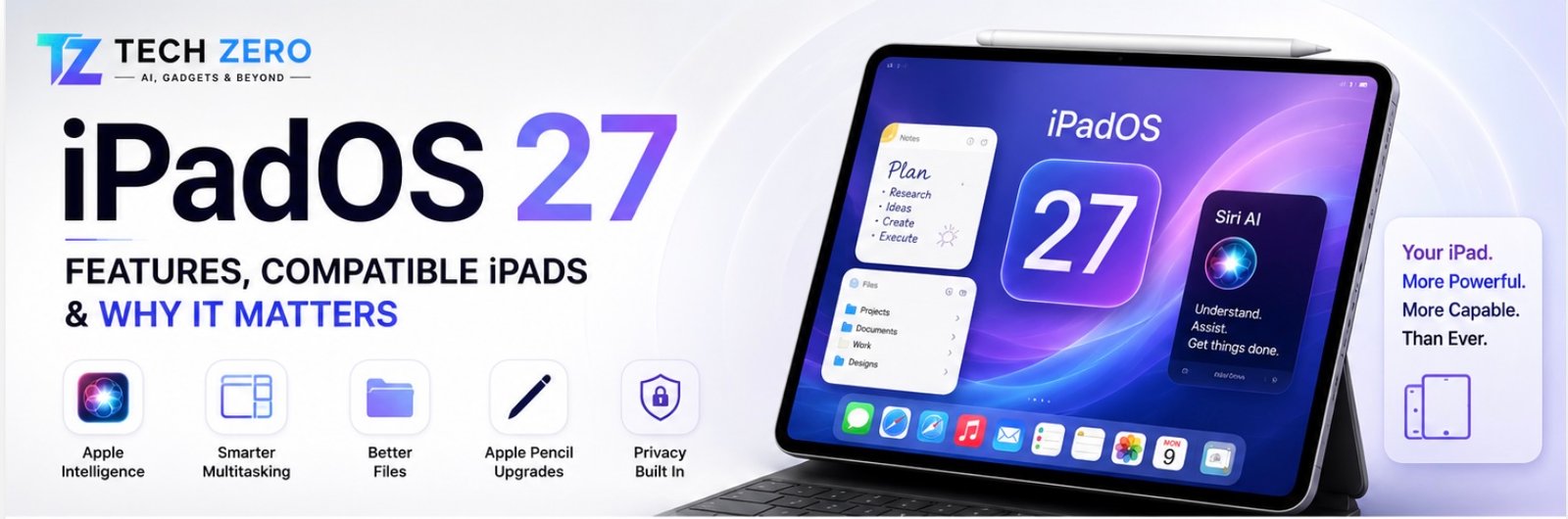
Powered by Apple Intelligence, smarter multitasking, enhanced file management, and improved productivity tools, iPadOS 27 may be the most important iPad software update in years.
Unlike iOS 27, which focuses primarily on AI-powered convenience, iPadOS 27 directly targets productivity and professional workflows.
For iPad Pro users, this update matters more than any new hardware announcement.
Apple Intelligence Comes to iPad
The larger screen of the iPad makes it one of the best devices for AI-powered workflows.
New capabilities include:
- Writing assistance
- Research summarization
- Smart note organization
- AI-powered document analysis
- Intelligent email drafting
- Context-aware Siri
Tasks that feel cramped on a smartphone become genuinely useful on an iPad.
Siri Finally Becomes Useful
The new Siri can:
- Understand conversations naturally
- Perform multi-step actions
- Understand app context
- Work across multiple applications
Example:
“Summarize this PDF and create meeting notes.”
Siri can now handle workflows that previously required several manual steps.
Improved Multitasking
Apple continues to evolve the iPad toward laptop-level productivity.
New improvements include:
- Better window management
- Faster app switching
- Improved external monitor support
- More flexible multitasking layouts
Professional users will notice immediate benefits.
Better File Management
One of the most common complaints about iPadOS has been file handling.
iPadOS 27 introduces:
- Faster file indexing
- Improved external storage support
- Better folder management
- Enhanced Finder-like functionality
Large SSD workflows are now easier than ever.
Apple Pencil Enhancements
Apple Pencil users benefit from:
- Better handwriting recognition
- AI-assisted note organization
- Improved drawing workflows
- Enhanced creative tools
Students and creators should appreciate these upgrades.
Safari Improvements
Safari receives:
- AI summaries
- Reading assistance
- Better tab management
- Enhanced productivity features
Research-heavy users will likely use Safari more than ever.
Compatible iPads
Supported devices include:
- iPad Pro M4
- iPad Pro M3
- iPad Pro M2
- iPad Pro M1
- iPad Air M3
- iPad Air M2
- iPad Air M1
- Recent iPad mini models
- Recent standard iPad models
Why It Matters
For years, Apple has sold iPads with laptop-level hardware but tablet-level software.
iPadOS 27 is another step toward fixing that imbalance.
The hardware has been ready.
The software has been catching up.
Editor’s Take
As someone who uses an iPad Pro M5 daily alongside a MacBook Pro M4 Pro, I believe iPadOS 27 is more important than iOS 27.
The reason is simple.
The iPad hardware has been incredibly capable for years. What has limited the device has always been software.
Apple Intelligence, improved multitasking, and better file management finally make the iPad feel closer to the productivity machine many users hoped it would become.
However, Sidecar still feels immature, app continuity between Mac and iPad needs improvement, and some professional workflows continue to require macOS.
For the first time, though, I can genuinely see a future where many users own only an iPad.



[…] iPadOS 27 Features & Compatible iPads […]
[…] iPadOS 27 Features & Compatible iPads […]